Live Preview
Add photo to scan locally
Face protected — moved to clear zone
Add a photo or video
Photo or video (videos auto-trim to 8s) • Local face protection
Small steps today build big chapters
Find meOn-device face protection active
1. Upload photo/video • 2. Pick a Snackable • 3. Tap to preview or publish
Photos (1 required, up to 4) & Framing
Please add at least 1 photo to continue.
Your message is ready
Pick a Snackable. Tap to preview message.
Pick 1 Animated Snackable (tap to place)
Bring your Snackable to lifeAnimate your selected Snackable with Ludo or publish classic without a key.
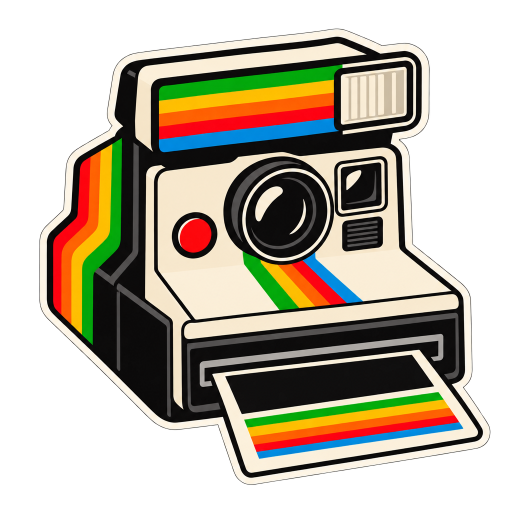
Theme: Future Reflection
A Snackable is an animated icon on your Post with a short message.Your details
(shown when someone taps your Snackable)
Add at least one social handle so people can find you.
✨ Animate with Ludo (Bring your Snackable to life)▾
 Bring your Snackable to life
Photo ready ✓→Creating Snackable…→Live ✓
Creating animated Snackable… This may take over a minute.
 Connect ChatGPT for matches tailored to you.